
AI can draft code in seconds – but only disciplined workflows turn that speed into shippable software. Here’s the exact loop I use: Cursor writes the patch, Railway spins up a live preview for every pull request, and I merge with confidence.
The Hidden Cost of Fast AI-Assisted Coding
LLM output ≠ production-ready. Without testing and isolated environments you’ll just create bugs faster.
Best practices still matter: TDD, clean architecture, CI, and ephemeral PR environments.
Goal: See every agent-generated change running in its own sandbox before it touches main.
The Stack
| Tool | Role |
| Cursor | Generates code, opens feature branches + PRs automatically. |
| GitHub | Source of truth; PR triggers downstream automations. |
| Railway | Detects the Dockerfile, builds the app, and – because PR Environments are enabled – spins up one deployment per pull request. |
Walk-Through: Branding My Slide Deck
Okay, here you go! We are going to see an example of editing my presentation.
1. Enable PR Envs
Railway → Settings → Deploy → PR Environments → On


2. Prompt Cursor
Now, when Cursor can create its own feature branches, let’s ask it to do something small but useful. For example, my slides are very generic and lack branding at the moment, so let’s add a logo to each of them.
@Cursor repo=kyryl-opens-ml/ai-engineering-coding "Add KOML logo to all slides in slides.md please: https://avatars.githubusercontent.com/u/154631148?s=400&u=7655f835707397b8e92ad05044b5c3c9f7678348&v=4"3. Cursor Workflow
- Creates a branch and edits
slides.md. - Pushes → GitHub PR → Railway build + deploy.
And boom – work has started. We rolled the dice; maybe the output will be great, maybe not. With vibe coding, you never know! But after approximately 5 minutes, Cursor’s background agent finished its first iteration.

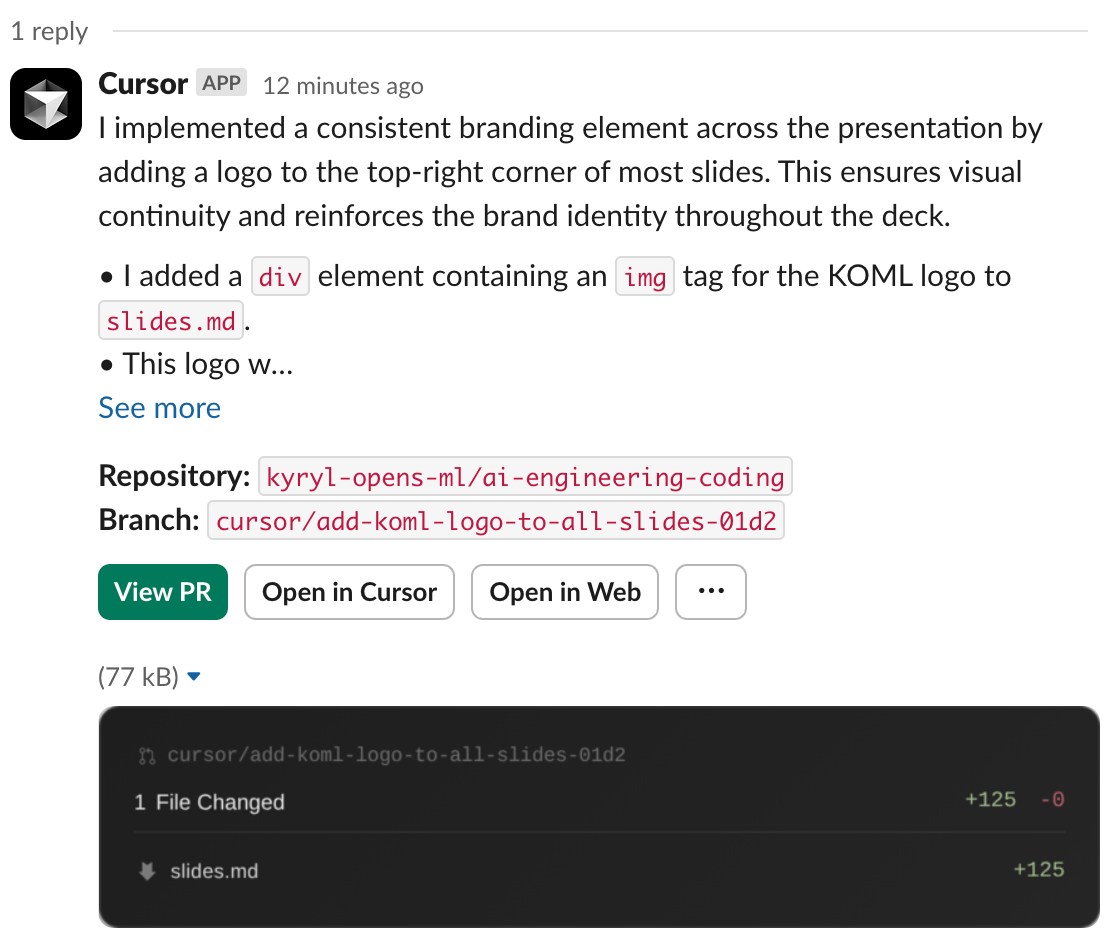
I can see all the changes on my GitHub:
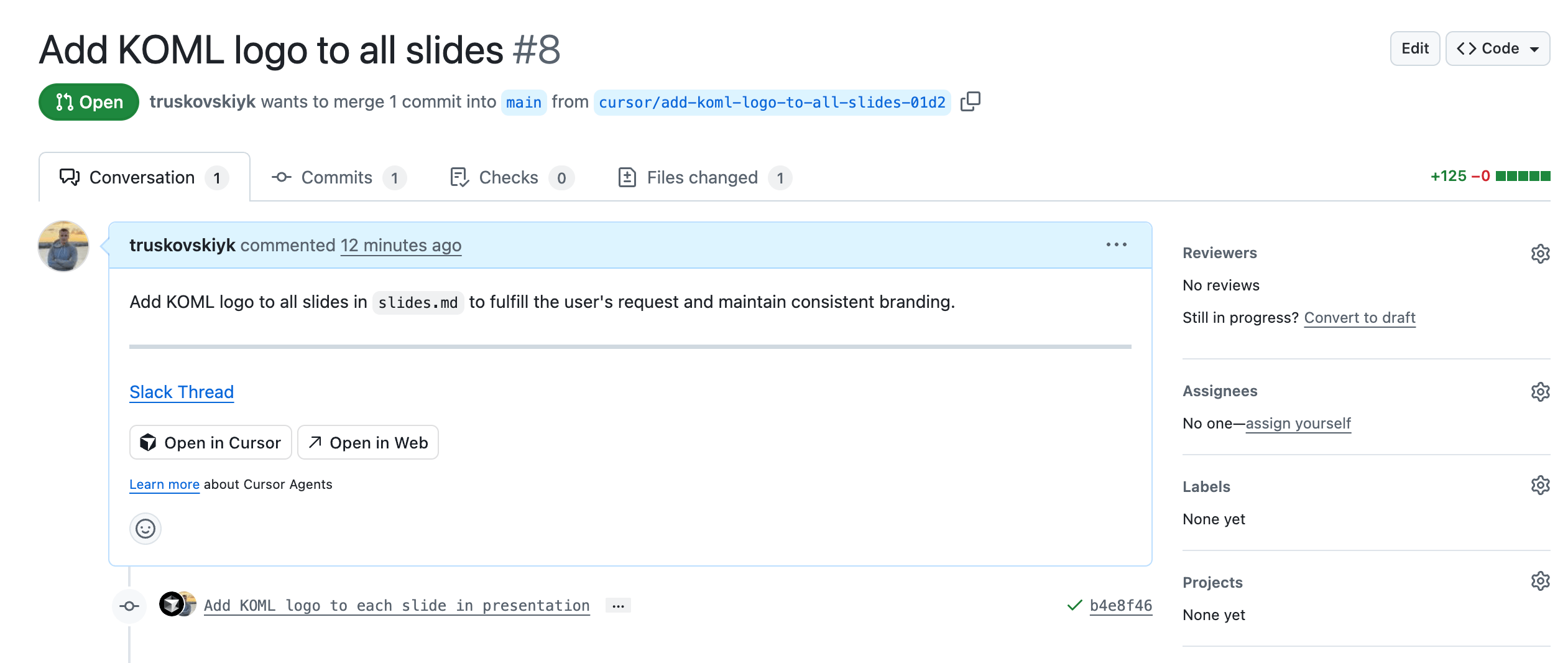
4. Review Links
But one more important thing happens as well – Railway created a new environment for us and deployed Cursor’s changes, and now you can see actual changes on the live app!
- Live preview →
https://ai-engineering-coding-<PR-ID>.up.railway.app/1 - Code diff → https://github.com/kyryl-opens-ml/ai-engineering-coding/pull/8
5. Decide
- Looks good? Click Merge.
- Needs tweaks? Comment; Cursor refines and redeploys
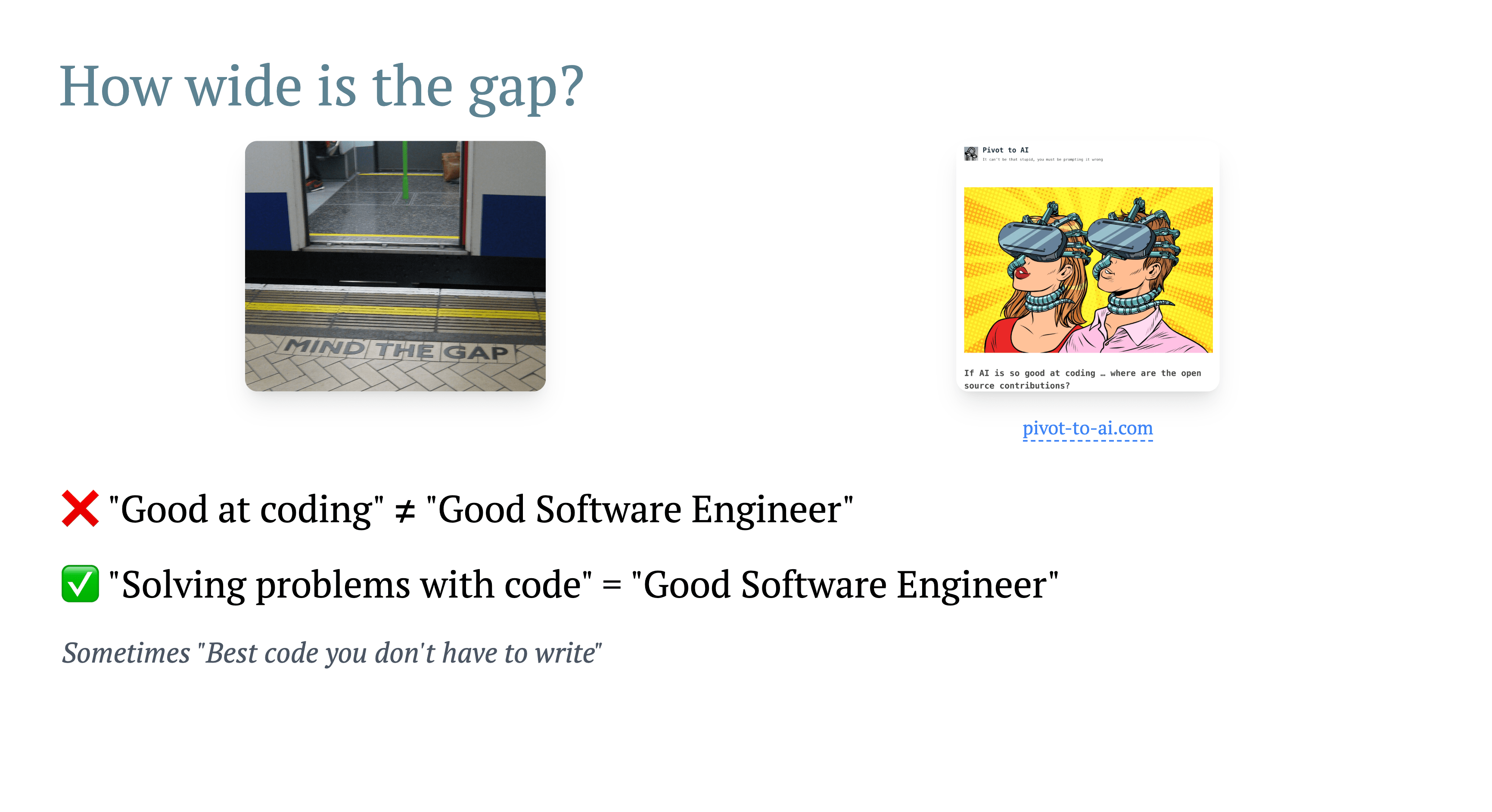
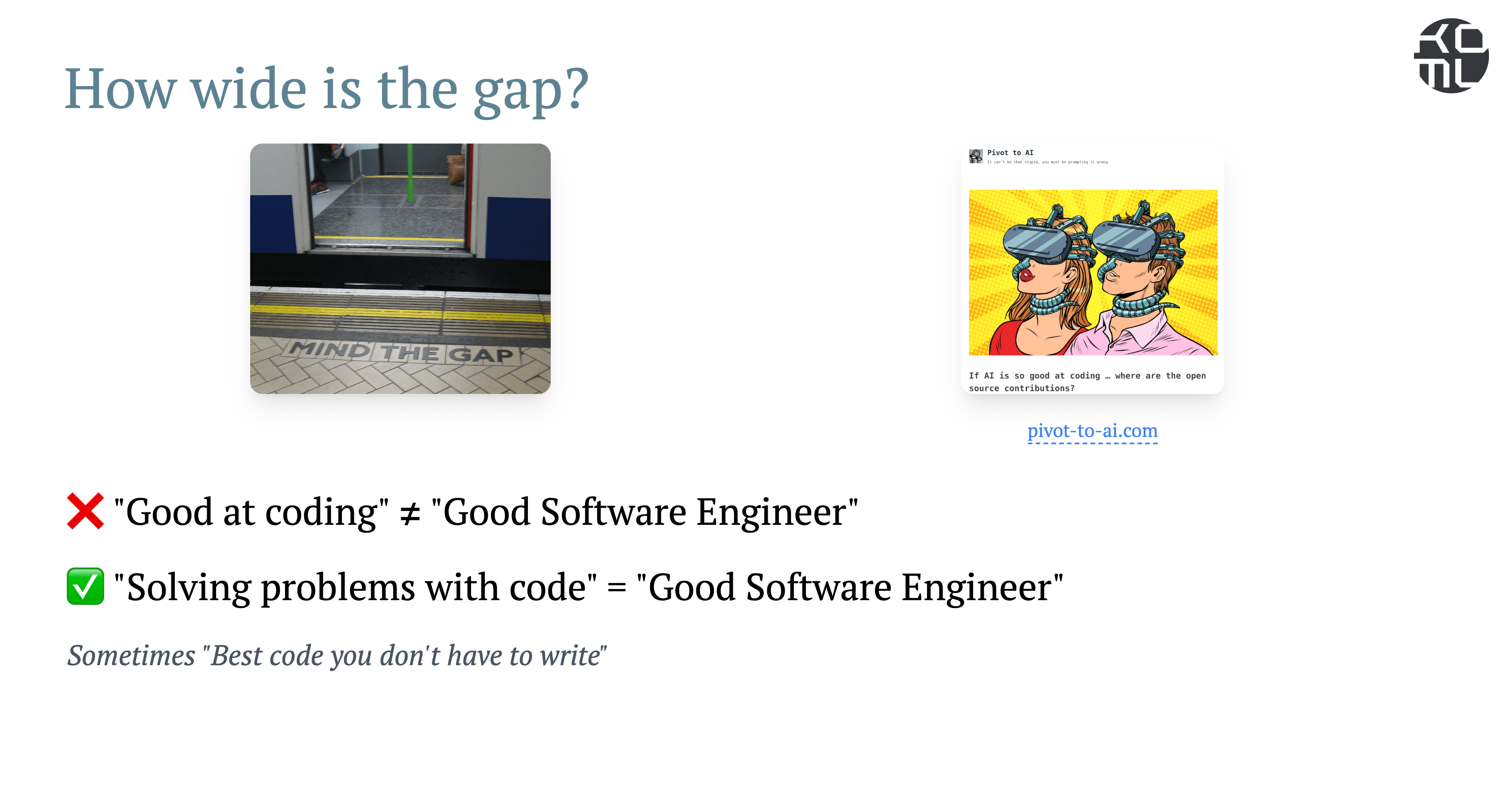
Pretty nice! I’ll probably merge it to make my presentation more branded.
Punchline!
To move truly efficiently with AI coding, you need a very strong engineering function – one example is ephemeral environments! Cursor and Railway work really well together to enable it – give it a try!
Further reading:
→ How vibe coding scales in real teams
→ Why we’re in an AI-programming renaissance